 Krate
Krate
Before you start
Two things you need.
You need Krate installed. If you do not have it yet, grab it from the home page: one command in your terminal.
You also need the Rust build tools. This is what turns the AI's code into a real running app. You do not have to write any Rust yourself.
You do not install the build tools by hand. The first time you make an app, Krate checks what is missing and offers to set it up for you. Say yes and it installs.
It is a one-time setup of about five minutes. After that, every app you make builds fast. You can check your setup any time with krate doctor.
Type krate. Say what you want.
Everything below happens inside krate. You do not need to remember a flag, name an output file, or know which AI you have installed.
-
Type
krateIt opens a short menu. Pick Make an app.
krate
-
Say what you want
Plain words. Krate checks which AI tools actually work on your machine and asks which should write it. One that is installed but not signed in is shown with the command that fixes it, so you cannot pick one that will fail.
a checklist that saves my todos
-
Watch it build
It reads Krate's API reference, writes the code, compiles it, and checks the app runs and paints a window. Two to five minutes, with each stage and its elapsed time on screen.
✓ wrote the app's code        1m 12s
✓ checked it builds and runs    38s

Created checklist.krate  (14 KB)
-
Open it, change it, or publish it
Krate offers all three when it finishes. Changing it means saying what should be different. The app carries its own source, so the AI edits what is there instead of starting over.
Prefer one line with no prompts? krate create "a checklist" --output checklist.krate does the same thing, for scripts and CI.
Connect your AI
Use the AI you already have.
Krate does not run an AI for you and never sees your account. It uses an AI tool that is already installed on your machine and already signed in to you. Your code stays on your computer, and your key never touches us.
Run this to see what you can use right now:
krate ai
It prints the tools it found, the ones you could add, and the exact command to make your first app. If you have none of them yet, install any one below, sign in to it once, and run krate ai again.
npm install -g @anthropic-ai/claude-code--agent claudenpm install -g @openai/codex--agent codexnpm install -g @google/gemini-cli--agent gemininpm install -g @github/copilot--agent copilot--agent grokUsing something else? Any tool that can write files from a prompt works. Pass it with --author-cmd "your command" instead of --agent. Krate hands it the request and a working starter, then checks whatever it writes.
No AI at all? You can still make an app. Leave the AI out and Krate uses a built-in template.
Build your command
Rather not be asked? Build the one-line version.
Everything above happens by typing krate and answering its questions. If you would rather have a single command (for a script, for CI, or to keep in your notes), describe the app here and it is written out with the quoting handled.
Plain words. One focused app works best: a tool, a form, a small game.
It is given KRATE_APP_DIR, KRATE_APP_NAME, and KRATE_REQUEST, and must write Cargo.toml, src/lib.rs, and manifest.toml into the app directory.
Filled in from your description. Change it if you want a different name.
The short way
krate
Asks you everything it needs. Nothing below is required.
Your command
krate create "a habit tracker that saves my streaks" --output habit-tracker.krate --agent claude
Run this in your terminal, in the folder where you want the file to land.
What to expect
It writes real apps, and checks its own work.
When Krate hands your request to an AI, that AI does not write blind. It is handed a full reference to what Krate can do, then works in a loop: write the code, run Krate's own checker, read exactly what failed, fix it, and it does not stop until the app builds, imports only what it declared, and actually runs. What you get is a real, working .krate, not a mockup.
It is at its best with focused apps: a tool, a form, a game, a utility. Each of these was built from a single plain-English line, and each is a real working app:
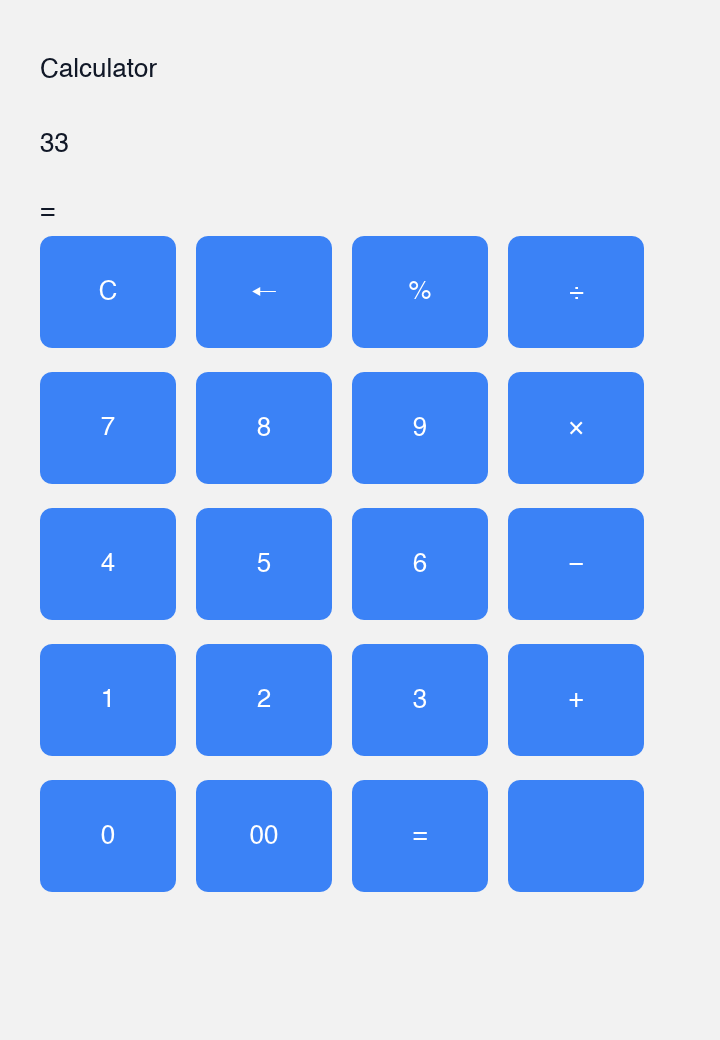
a full clickable keypad that evaluates what you type
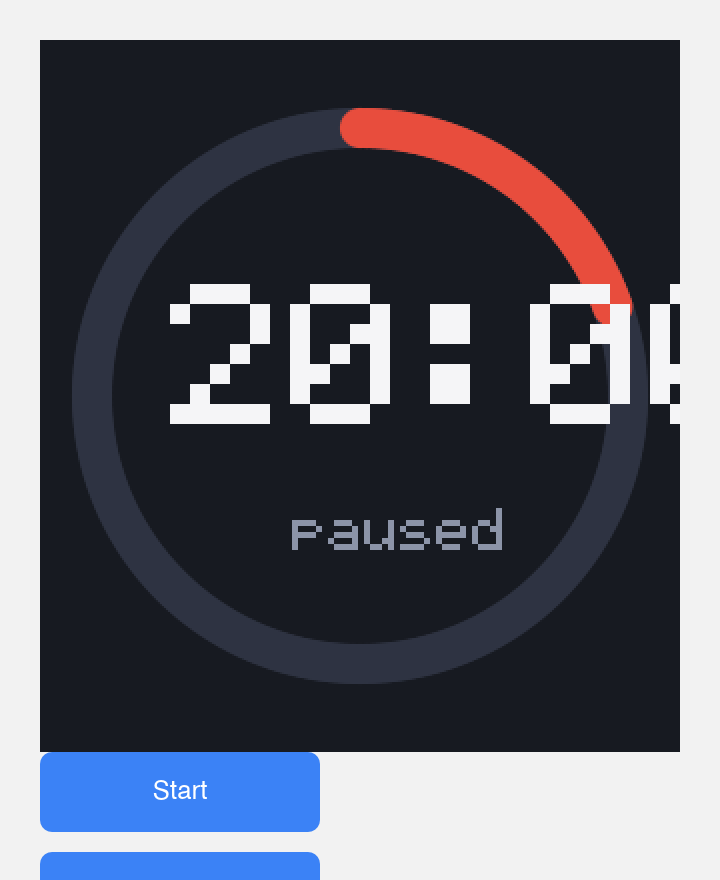
a circular countdown drawn on a canvas
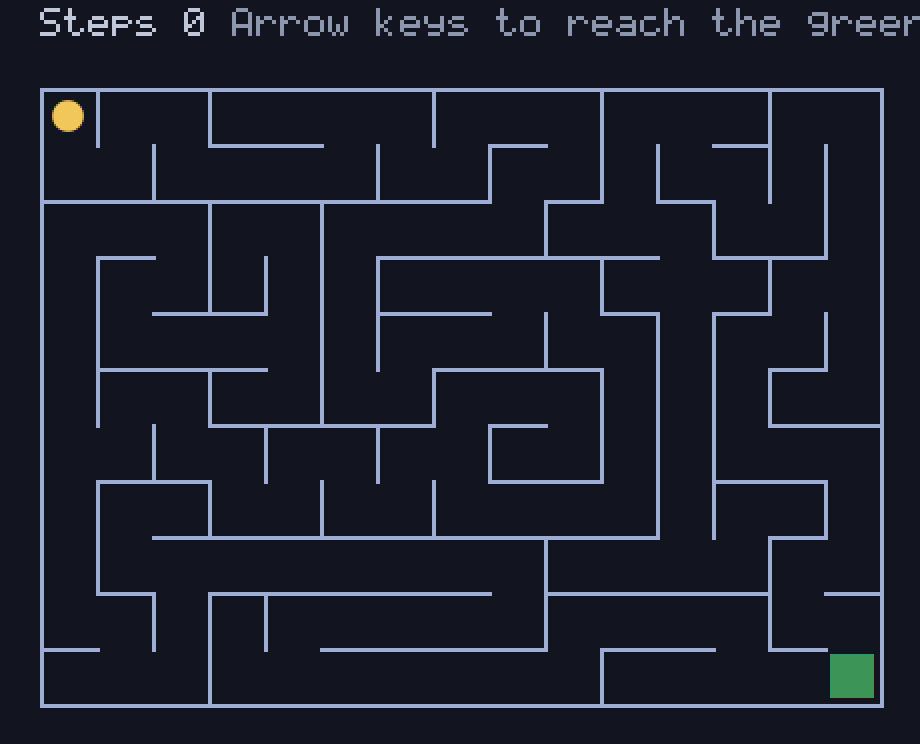
a generated maze, a player, an exit
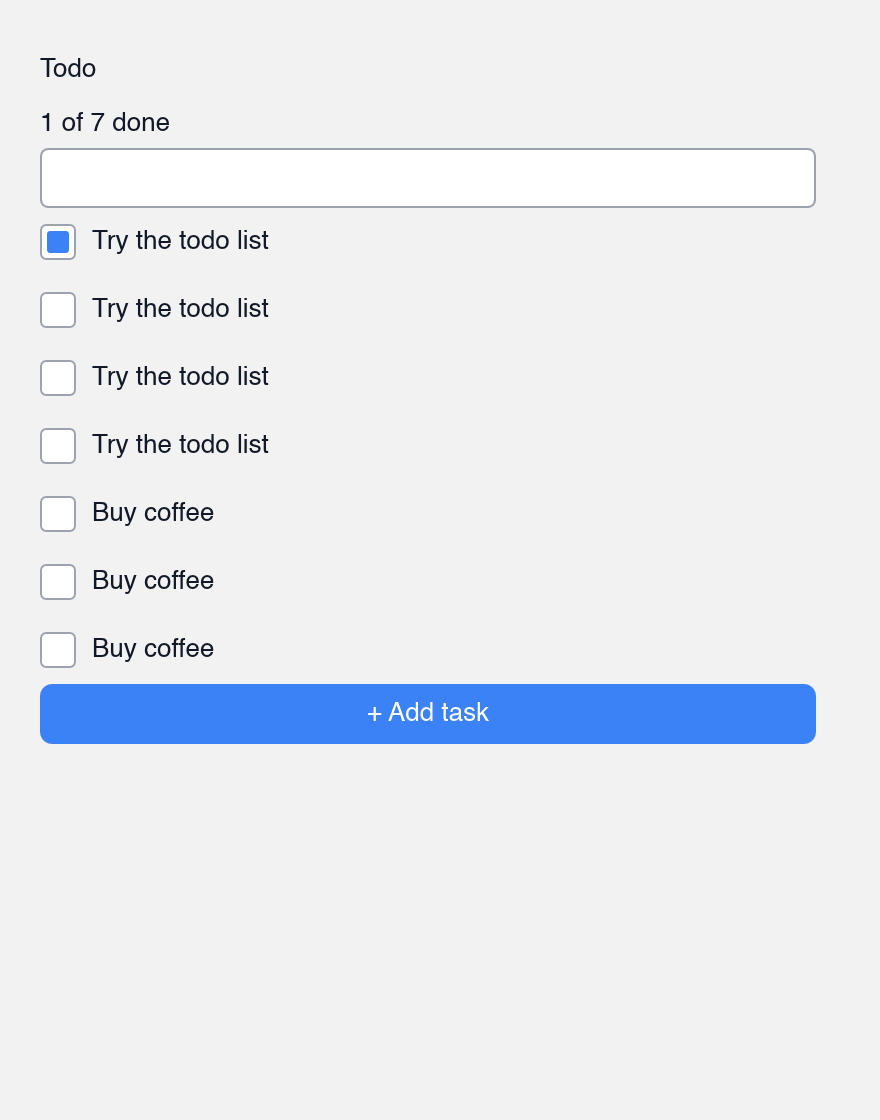
checkboxes that are still there next time
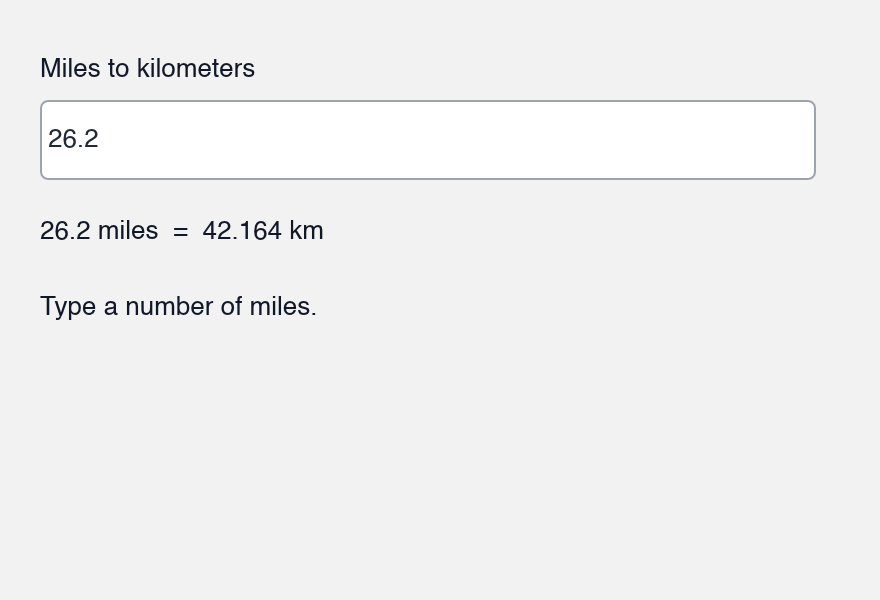
live conversion as you type
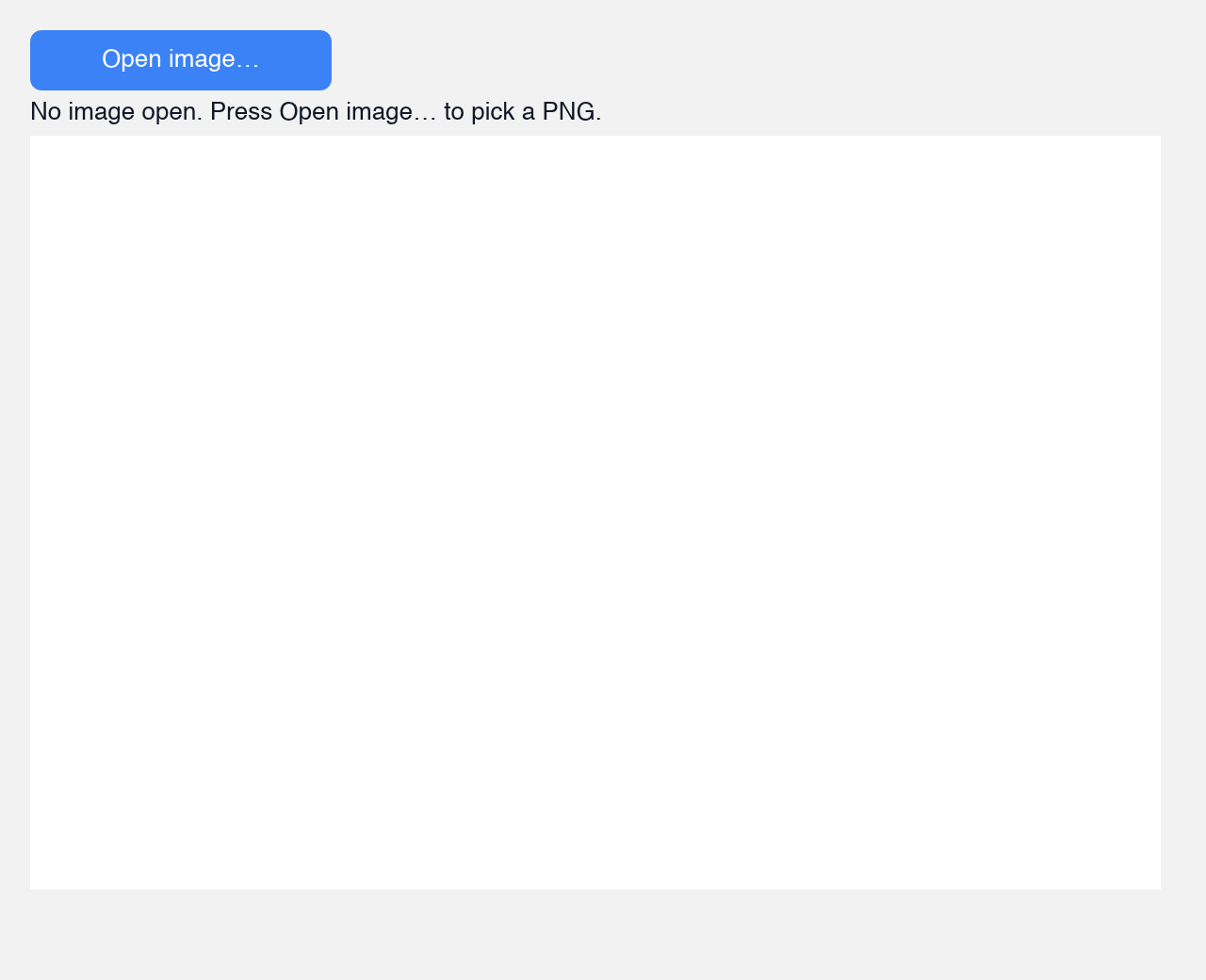
pick a PNG through a dialog and show it
It will not one-shot a large, sprawling app from one line. Narrow it down, or build it in pieces. Authoring iterates, so a run can take a few minutes; Krate shows a heartbeat while it works, and if it stops early it tells you how far the checker got and what remained. Running the same command again usually finishes it.
You can also skip the AI and start from a built-in template offline, then edit it:
krate create "a checklist" --output ./mytodo --kind checklist
Krate Cloud
Publishing, honestly.
Works today
The krate publish command is real: it uploads your .krate to a hub and returns a link, and anyone can krate run that link. Because the hub stores each app by the hash of its bytes, publishing the same app twice returns the same URL.
Works today
A public listing is live at krate.tech/cloud: published apps show up there with what each one asks for, who made it, and a command anyone can copy. Publishing signs you in with GitHub so the app carries your name.
Publish from the terminal with krate publish yourapp.krate, or from the publish page by dropping the file into the browser. It reads the app itself and shows its name, size, and every permission before you send it.
Signing and automatic updates are not built yet.
Troubleshooting
If something goes wrong.
The AI run hangs or takes forever
While it works, Krate prints a dot every few seconds so you can see it is alive. Authoring iterates (write, check, fix), so a few minutes is normal. If it runs long and stops, Krate tells you how far its checker got, so you know what remained; running the same command again usually finishes it. If it keeps stalling, start from a template instead: add --kind checklist and edit what it gives you. You can also give it more time with KRATE_AUTHOR_TIMEOUT_SECS.
It failed installing Rust
Update to the latest version of Krate and try again. The install step has improved across releases, and a newer Krate handles setups that an older one tripped on. Reinstall Krate from the home page, then run krate create again.
cargo-component not found
The newest Krate ships cargo-component alongside the tools it installs for you, so this is fixed by reinstalling the latest Krate. After that, run krate doctor to confirm your setup is complete.